Selling online without tracking what works is like tossing spaghetti at the wall and hoping it sticks. If you’re using TikTok to promote your WooCommerce store, it’s time to stop guessing and start measuring. TikTok analytics for WooCommerce gives you real numbers—views, clicks, conversions—so you can see what’s actually driving sales. No need for a data science degree or a 10-person marketing team. Just smart, simple insights that help you spend less time wondering and more time selling.
Connect Your WooCommerce Store to TikTok
Start by installing the official TikTok for Business plugin from your WordPress dashboard. It takes just a few clicks. Once added, the plugin guides you through linking your TikTok account with your WooCommerce store. This step is where the magic starts—no coding needed, no tech team required.
After connection, TikTok begins collecting data from your store. You’ll see how visitors interact with your products, how they behave after clicking on ads, and which items get the most attention. All this happens inside your WooCommerce dashboard, so you won’t have to jump between apps or tabs.
The plugin also sets up the TikTok Pixel automatically. This tiny piece of code tracks clicks, views, and purchases. It helps you understand what works and what doesn’t. You’ll know if people watch your videos, visit your store, and actually buy something—or just scroll past.
Once set up, you can run ads directly from your TikTok Business Center. You’ll be able to target users based on their behavior, not just guesses. This way, your ad budget goes to the right people—those most likely to buy.
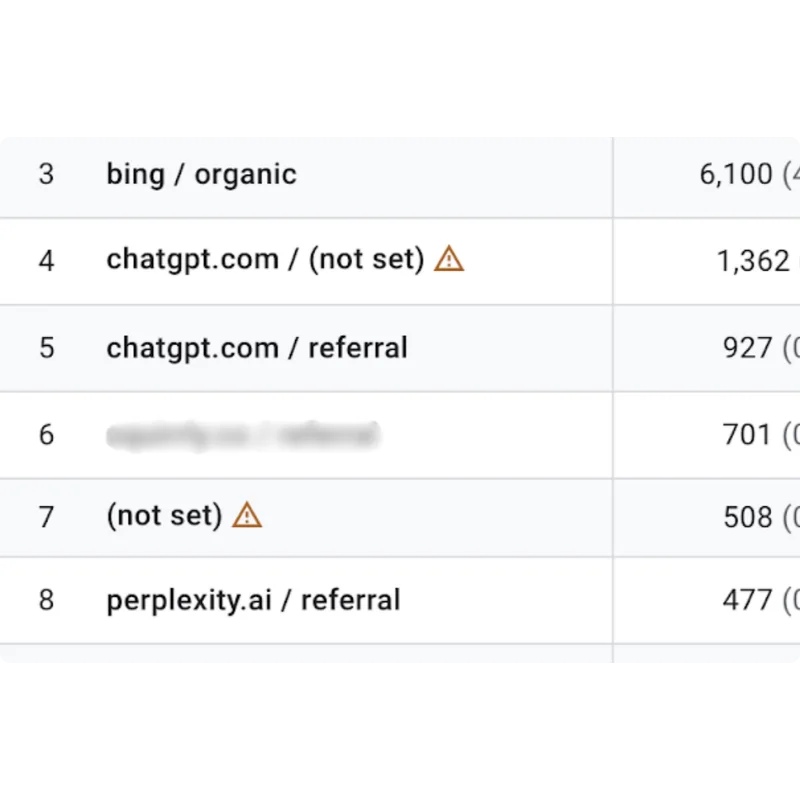
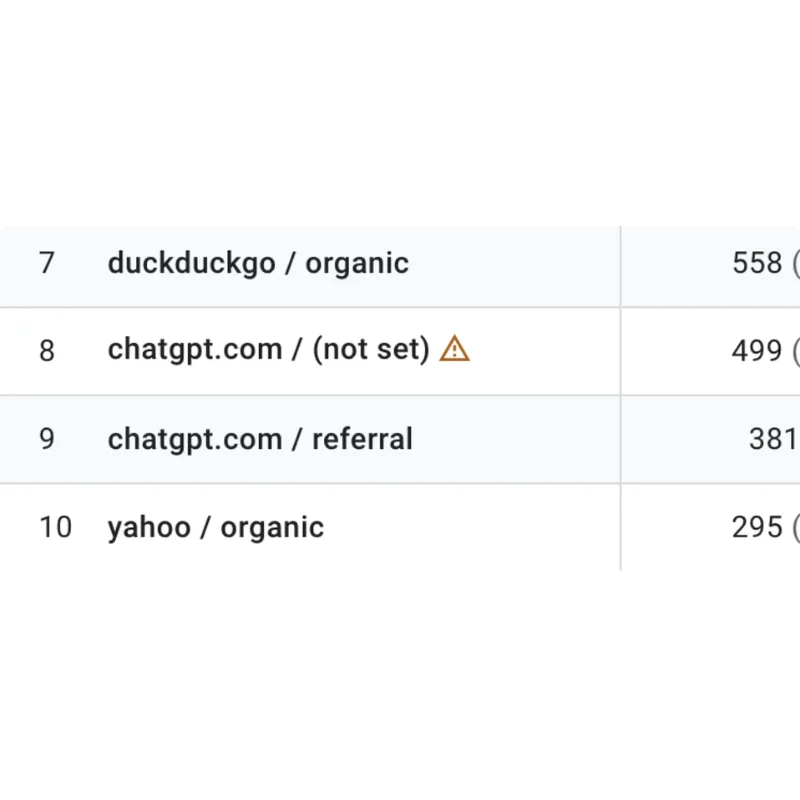
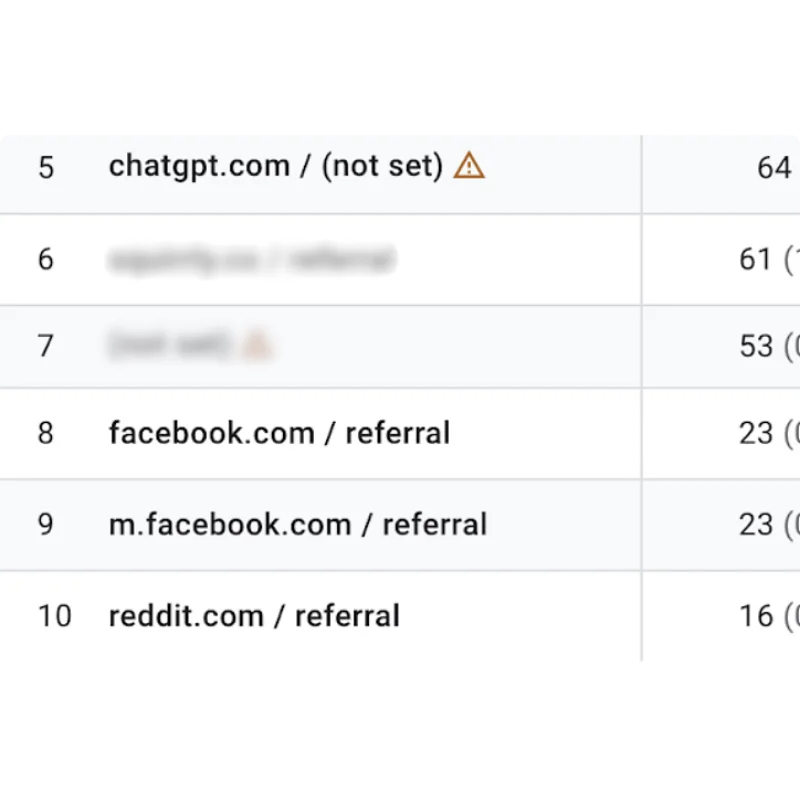
Having this connection also means you can see how TikTok traffic compares with visits from other platforms. Want to know if your latest dance challenge brought more sales than your Google Ads campaign? Now you can. That’s where TikTok analytics for WooCommerce comes in. It gives you real data, not just likes or shares.
No need to guess what’s working anymore. With this setup, every click and view turns into a number you can track. Every product has a performance report tied directly to it. Your store becomes smarter without adding extra tools or team members.
Understand Key Metrics That Drive Sales
Knowing where your traffic comes from is one thing. Knowing what makes people click “buy” is another. That’s where TikTok analytics for WooCommerce comes into play. It helps you track important numbers that actually affect your revenue. No fluff. Just facts that matter.
Start with video views. This tells you how many people watched your content. It’s a basic stat, but it shows the reach of your posts. If one video has way more views than others, take note. You may want to reuse that format or style in future posts.
Next, look at click-through rates (CTR). This shows how many viewers tapped your link after watching. A high CTR means your video made people curious enough to visit your store. If your CTR is low, your content might need a stronger hook or clearer product info.
Engagement levels also matter. Comments, likes, shares—these show how your audience is reacting. More engagement usually means your message is landing well. It also tells TikTok to push your video to more people. That can lead to more traffic without extra ad spend.
Then there’s conversions. This is the big one. You want to know how many viewers actually bought something. Use WooCommerce to track which products were purchased after someone came from TikTok. Match that with your video data and you’ll see what content drives real sales.
When you connect all these numbers together, the picture gets clearer. You’ll know which videos got views, which ones brought clicks, and which ones led to purchases. That’s how you stop guessing and start posting with purpose.
Use TikTok Analytics for WooCommerce to Optimize Campaigns
Running ads without checking results is like tossing coins into a fountain and hoping for sales. TikTok analytics gives you the numbers that show what’s actually working. It tracks how users interact with your videos, ads, and product links. That means you can stop guessing and start adjusting.
Start by looking at your video views, click-through rates, and engagement numbers. If a product video is getting a lot of views but no clicks, something’s off. Maybe the call-to-action isn’t clear. Maybe the product isn’t shown early enough. With the data, you can test small changes and see what moves the needle.
Audience insights also help a lot. You can see who’s watching—age, gender, location, and even when they’re active. If most of your clicks come from viewers aged 25–34, you can tailor your future content for that group. You’re not just throwing ads out there—you’re aiming.
Ad performance tells you how your money’s doing. If one campaign is eating up your budget with no return, pause it. Use the budget on ads that get more clicks or sales. Testing different creatives—like changing the music, captions, or pacing—can also shift results. TikTok analytics lets you compare versions, so you know which ones pull better.
Product-level tracking closes the loop. You’ll see which items get the most clicks and conversions. If one product is always converting, promote it harder. If another gets views but no sales, maybe the price or description needs a second look.
You don’t need a huge team to make smart choices. You just need the right numbers in front of you. Let TikTok’s data guide your next move.
Test and Adjust Based on Performance Trends
Running TikTok ads without testing is like tossing darts in the dark. You might hit something, but you won’t know how or why. That’s where A/B testing comes in. Try two versions of the same ad — different product photos, headlines, or even sounds. Keep one thing consistent and change the other. Then watch which one pulls more clicks or sales.
Once you’ve run the test for a few days, dive into the data. TikTok analytics for WooCommerce lets you track how each version performs. Look at metrics like click-through rates, engagement, and conversions. If one version clearly brings more traffic or leads to more checkouts, you’ve got a winner. Scrap the weaker one and go with what works.
But don’t stop there. Trends shift fast. What works one week might flop the next. Keep testing new ideas. Maybe a different product video or a shorter caption changes everything. Use the analytics to spot dips or spikes. If you notice fewer views or less engagement, it’s time to tweak your creative or try a new promotion.
Also, think beyond ads. Try testing different product bundles or limited-time offers. Promote them through TikTok and compare the results. See which combo gets more traction. Use the data over time to fine-tune your strategy. The more you test, the more you learn what your audience responds to.
Stick to what the numbers tell you. Let the data lead the way, not a hunch. TikTok gives you the info. WooCommerce lets you track the sales. Together, they show what’s working — and what’s not.
Turn Data Into Dollars: Smarter Selling With TikTok Insights
Now that your WooCommerce store is synced up with TikTok, it’s time to let the numbers do the talking—and the selling. By understanding key metrics like engagement, click-through rates, and conversions, you can pinpoint what’s working and what needs a remix. TikTok analytics for WooCommerce empowers you to fine-tune campaigns in real-time, helping you spend smarter and sell faster. Keep testing, tweaking, and tracking trends to stay ahead of the curve. With the right data at your fingertips, success isn’t just possible—it’s measurable (and scalable).